
Ultra Home Screen
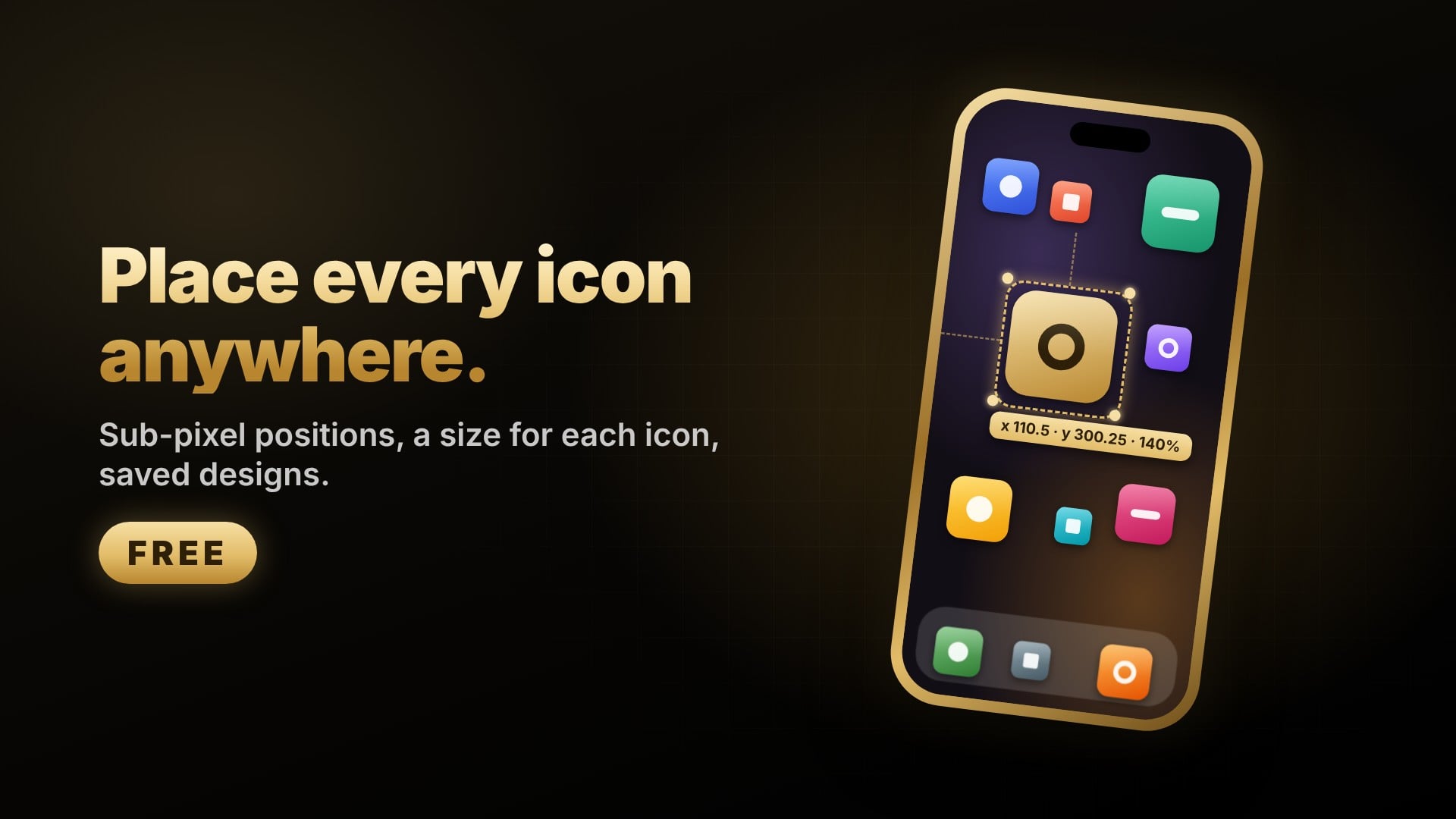
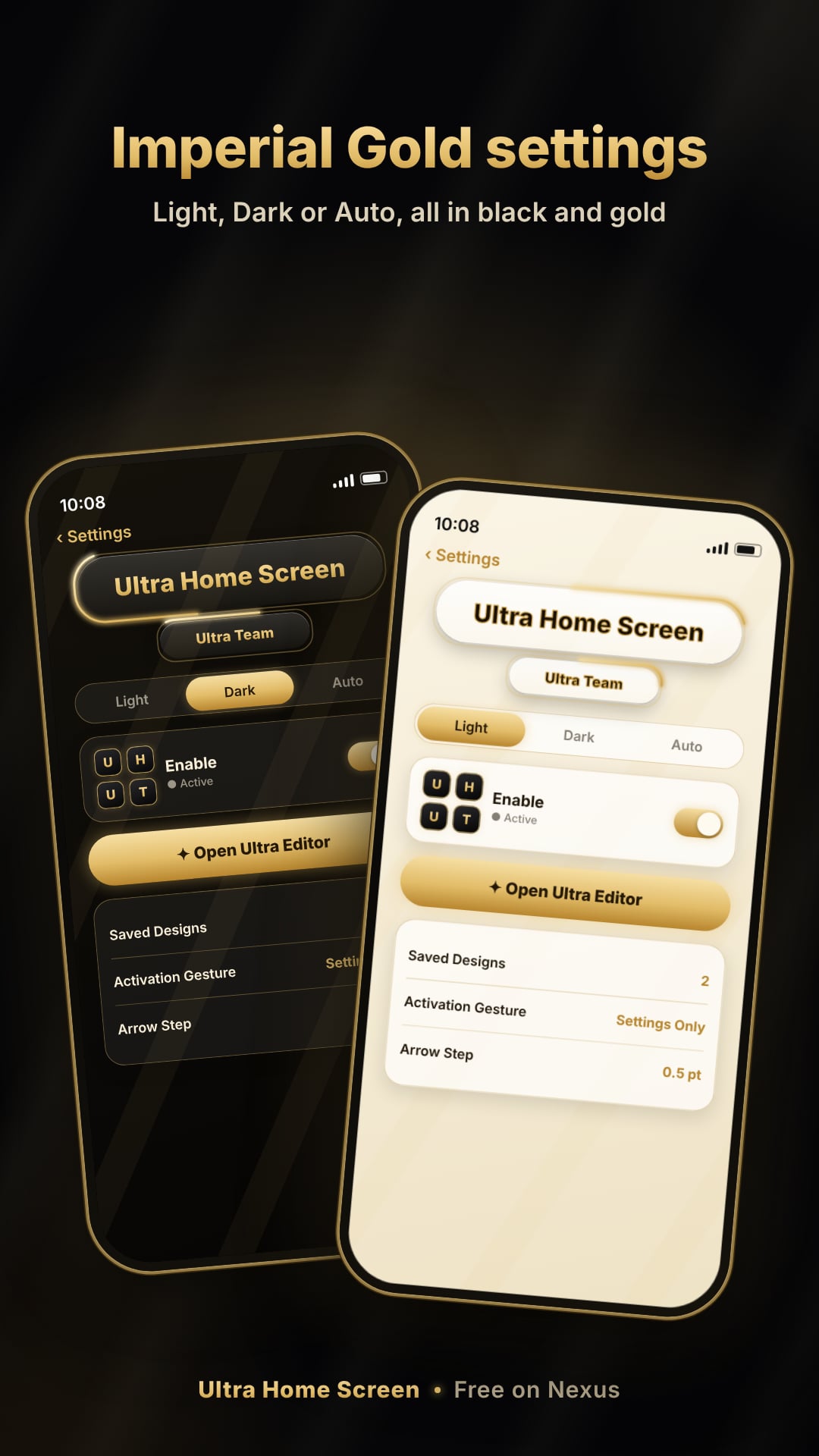
Place Home Screen, Dock and folder icons anywhere with sub-pixel precision, give each icon its own size, and save whole layouts as designs. Free.
Follow updates
Sign in to follow this package and get an email when a new version is published.
Get it from
Price: Free
Install it from Sileo, Zebra or Cydia after adding the repository.
Nexus
Repository address:
https://repo.nexusjb.com/Screenshots
Versions and changes
1.7.2
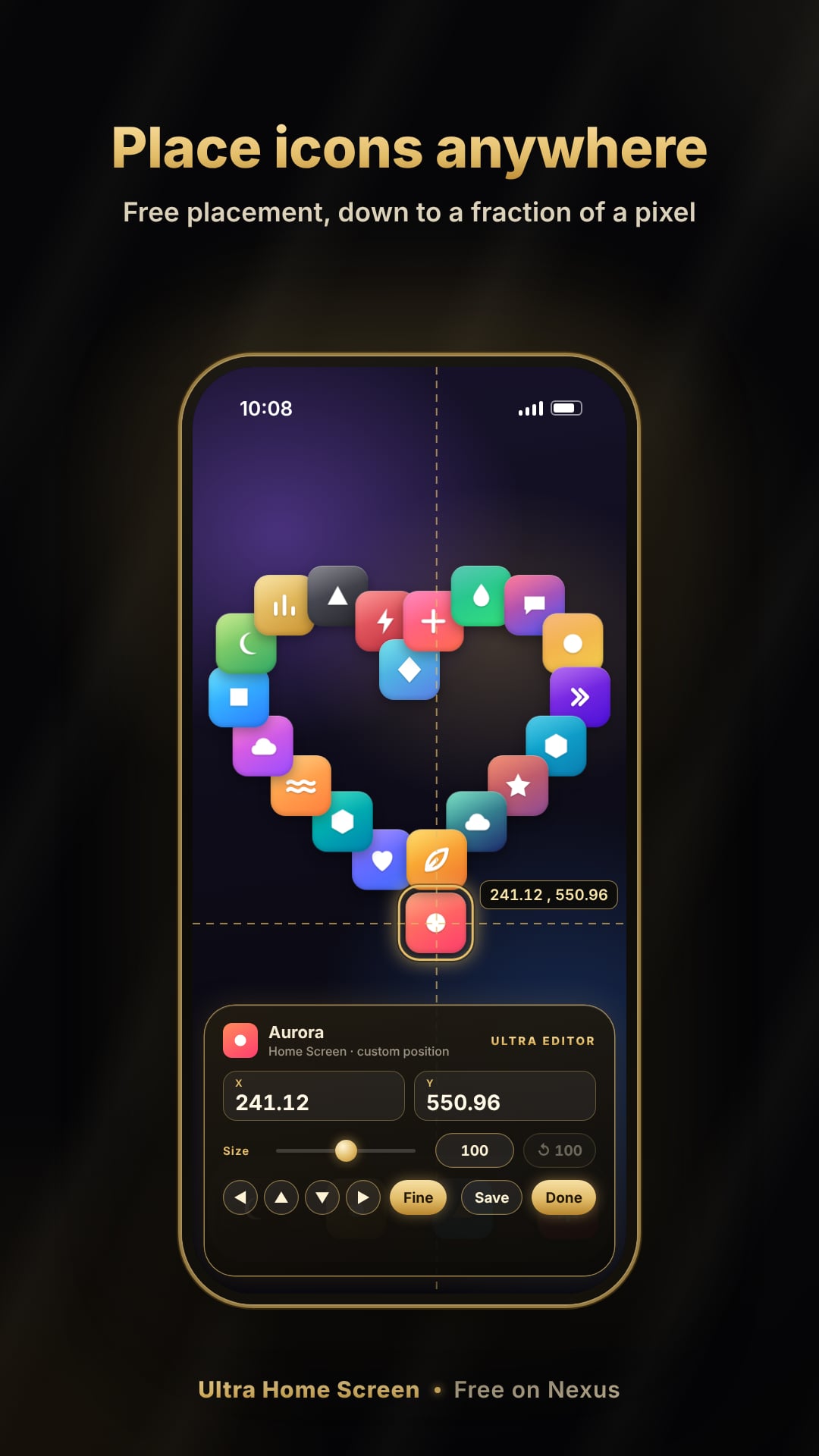
- Free placement: move any icon on the Home Screen, in the Dock or inside a folder anywhere, or type exact X and Y values. Positions are never rounded.
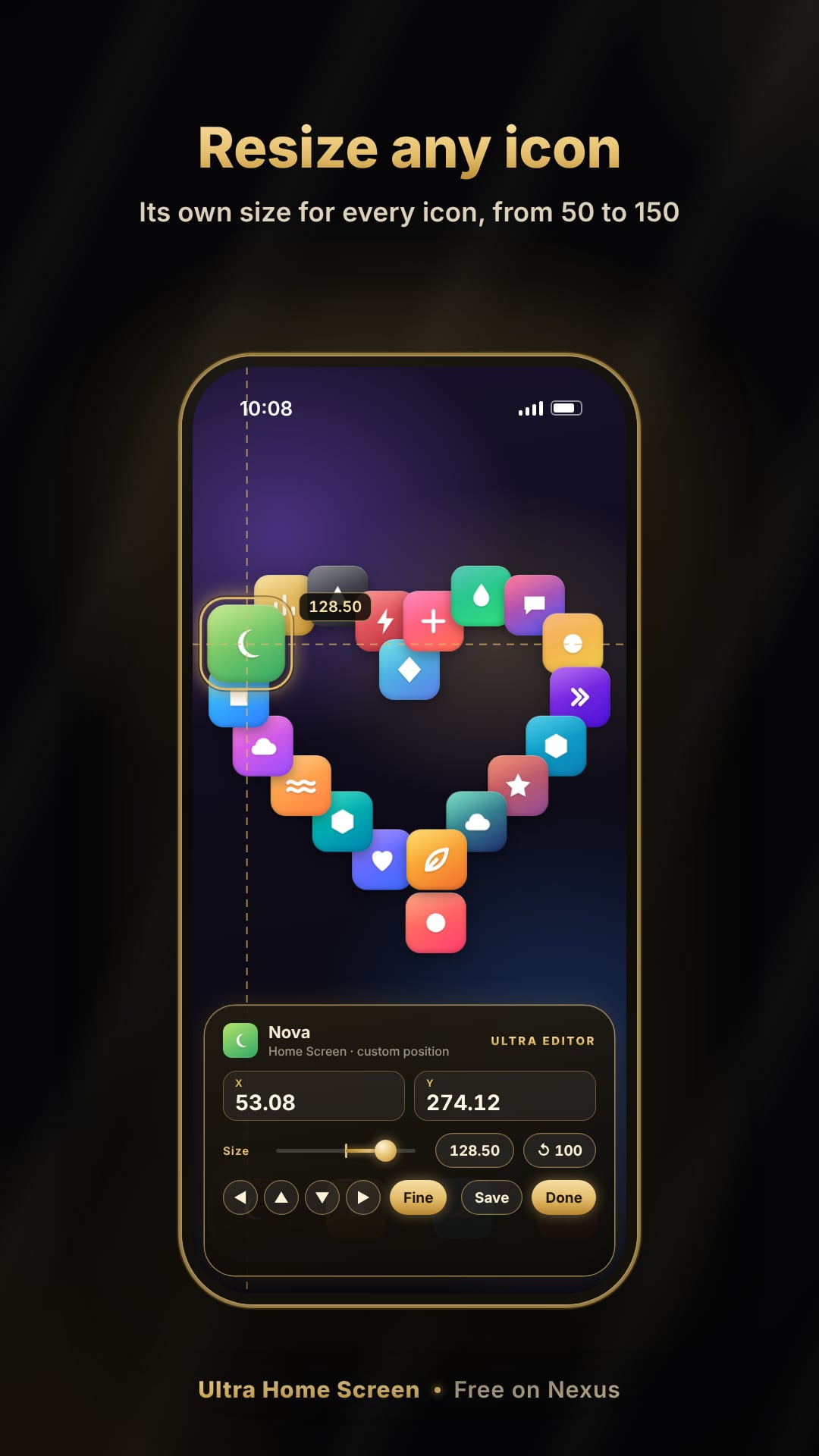
- A size for each icon: from 50 to 150 (100 is normal), with a slider or an exact value.
- Ultra Editor: drag, a fine mode for precise moves, arrow nudges, undo, a keypad and reset. Open it with a two-finger hold on the Home Screen, or from Settings.
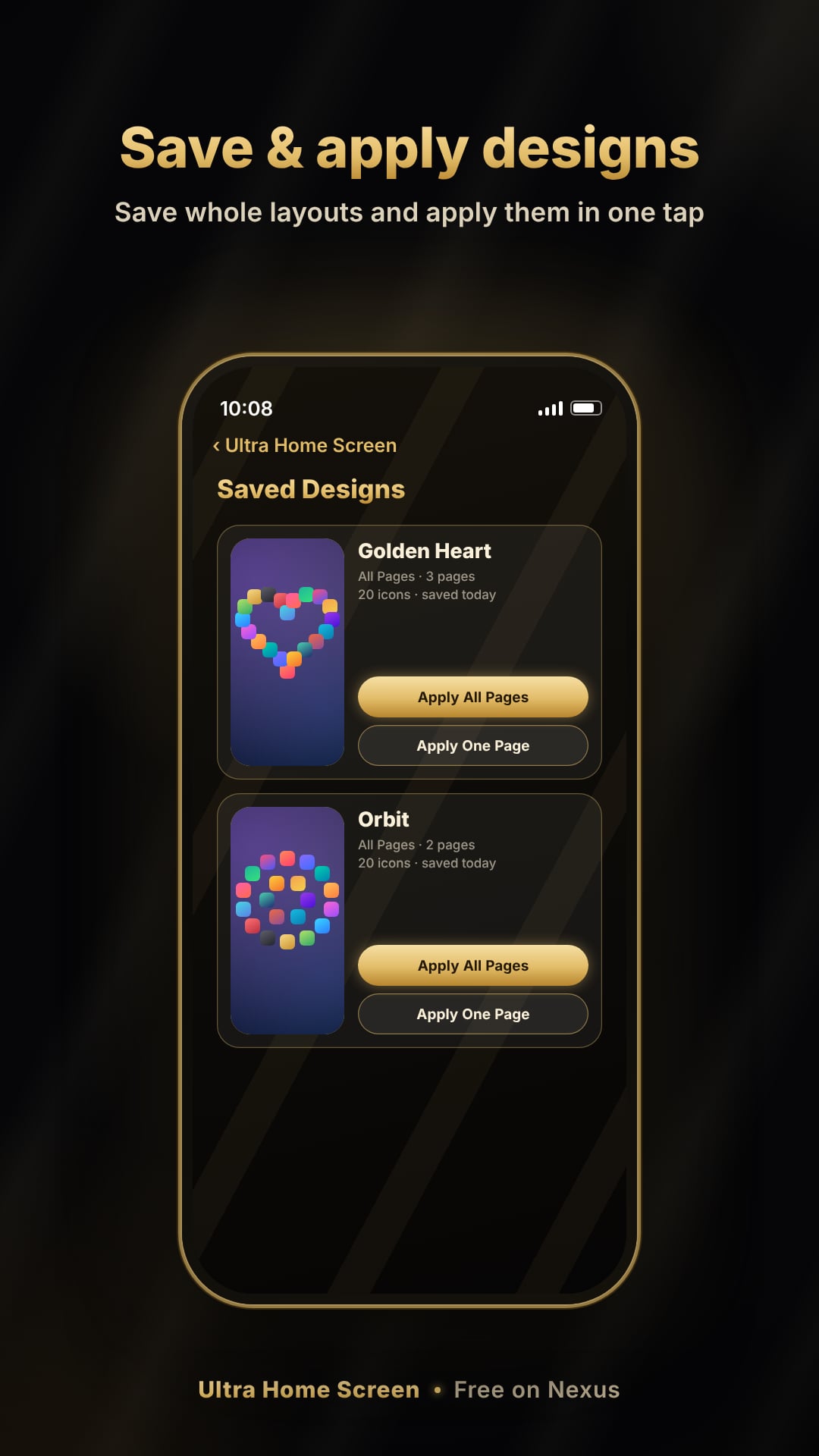
- Saved Designs: save one page or all pages with a screenshot, and apply them later.
- Safety Lock: the tweak pauses itself after repeated SpringBoard restarts. Your layouts stay saved.
- Free, with packages for rootless, rootful and RootHide.
- iOS
- iOS 15.0 or later
- Jailbreak types
- RootHide
iphoneos-arm64e236 KBRootfuliphoneos-arm236 KBRootlessiphoneos-arm64236 KB
Ratings and reviews
No ratings yet. Be the first to rate this package.
Sign in to rate this package and leave a review. Sign in
Reviews
No written reviews yet.